
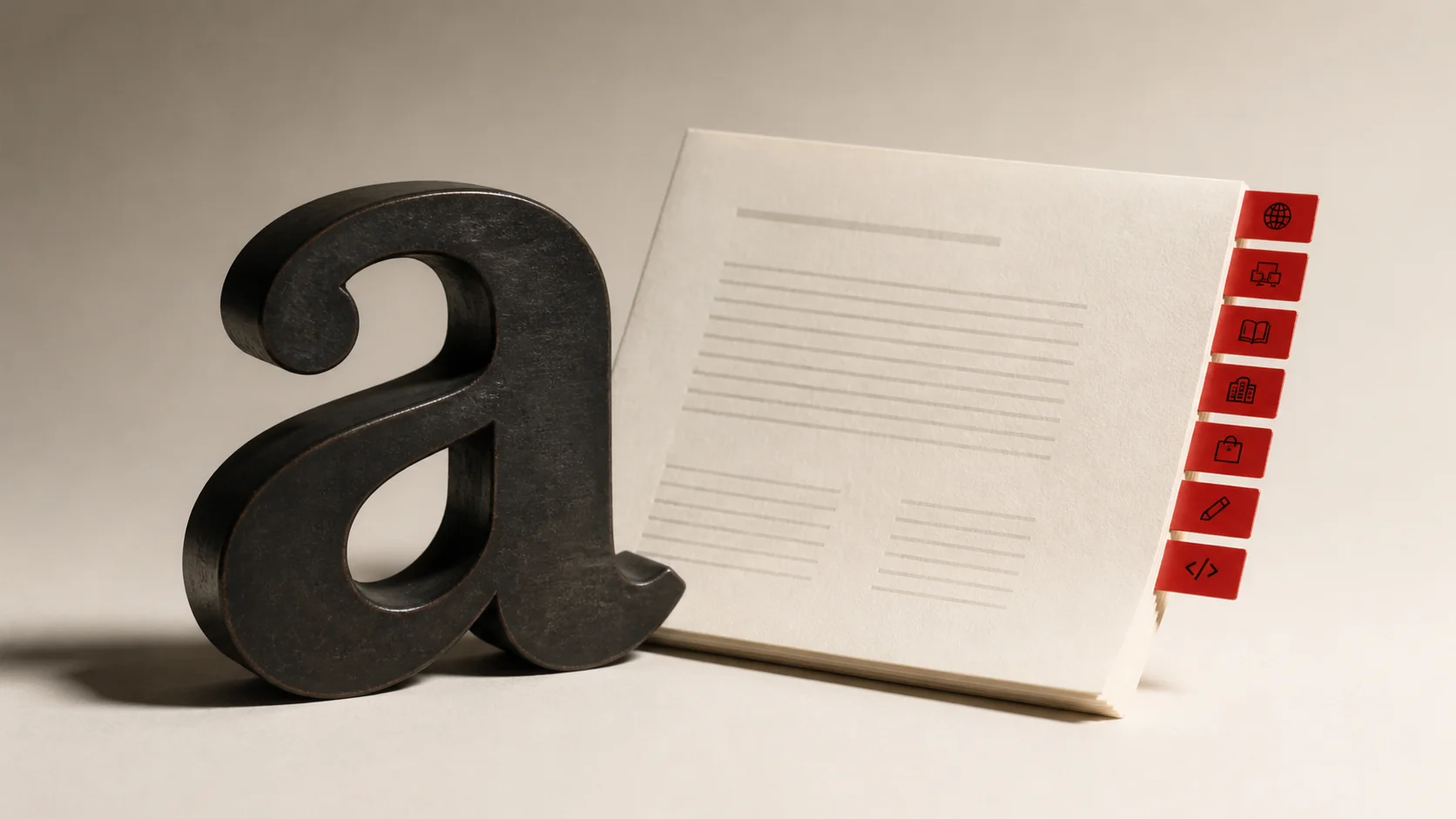
A font license answers a practical question: where, by whom, and how can the font software be used? A poster exported as a PDF, live text on a website, a font bundled inside an app, and lettering printed on 20,000 boxes can involve different rights. Paying for a font once does not automatically cover every channel.
Quick answer: use a Desktop license for design work and static output, a Web license for live website text, a Brand / Logo license for a named identity, a Commercial Products license for goods sold to customers, and an App / Game / Server license when the font file is embedded in software or used to generate dynamic output. Add Social Media or Broadcast coverage when the project will appear in those channels. The foundry’s EULA decides the final scope.
This guide explains the usual categories and the structure used by Typesee. License names and limits vary between foundries, so treat the EULA on the product page as the source of truth. This is practical buying guidance, not legal advice.
Choose a font license by use case
| What are you making? | Start with | Check before buying |
|---|---|---|
| Poster, pitch deck, book cover, print ad, or static image | Desktop | Number of people who will install or access the font |
| Logo, wordmark, or identity for one named brand | Brand / Logo | Whether the EULA includes logo and trademark use |
| Live, selectable text on a website | Web | Domain, monthly pageviews, and self-hosting rules |
| Packaging, apparel, templates, or products sold to customers | Commercial Products | Production or distribution quantity and editable-template restrictions |
| Mobile app, desktop app, game, SaaS product, or dynamic generator | App / Game / Server | App title, active users, server access, and whether users can type their own text |
| Organic posts or paid social campaigns | Social Media | Account, territory, paid reach, and whether motion is included |
| Film, television, streaming production, trailer, or title sequence | Broadcast | Project title, territory, distribution, and promotional footage |
| Company-wide use across many teams and channels | Enterprise / All Media | Named company, affiliates, vendors, regions, and excluded uses |
A project can need more than one category. A rebrand with a logo, public website, launch campaign, and mobile app may need Brand / Logo, Web, Social Media, and App coverage. Typesee lets buyers combine categories in one configuration and applies a bundle discount when eligible. See the current terms on the Typesee licensing page.
What a font license covers
The typeface is the visual design of the letters. The font is the software file that produces those letters. Licenses usually control the file: who can install it, where it can be embedded, how it can be served, and whether another person can access it. Monotype makes the same distinction in its font licensing guide and warns that individual foundries may set different terms.
That distinction explains why a JPEG on a website and live web text are treated differently. The JPEG contains finished pixels. Live text usually requires a WOFF or WOFF2 file delivered to a visitor’s browser through CSS. The second use exposes font software in a new technical environment, so it normally needs Web coverage.
Licenses also define scale. Desktop tiers often count users or workstations. Web tiers may count monthly pageviews or domains. Product licenses may count units sold. App and server terms can use app titles, users, installations, or another measure. Read the metric beside the tier instead of assuming that “commercial” means unlimited.

The main font license types
Desktop license
A Desktop license covers installing the font on computers for work in design, office, and editing software. Typical output includes posters, editorial layouts, presentations, packaging artwork, and static images where the original font file cannot be extracted.
Count every person who needs access. If an agency designer installs the font and the client’s in-house designer also needs editable files, both sides may need suitable coverage. Adobe follows this pattern for its own library: a client who receives finished graphics does not need access to the font, while a client who needs to edit the design and use the font directly needs a license. Adobe’s rules apply to Adobe Fonts, but the workflow is a useful model. Read the Adobe Fonts licensing FAQ for the exact terms of that service.
Web license
Choose a Web license when a site loads the font as live text through @font-face or another webfont service. A normal Desktop license usually does not grant this right. Monotype describes Desktop and Web as separate environments: static website artwork can come from a Desktop workflow, while font software embedded in site code needs Web coverage.
Check the licensed domain, pageview tier, staging rules, and supplied formats. Do not convert an OTF or TTF file to WOFF2 and assume the format change creates permission. Conversion changes the file format. It does not expand the license.
Brand / Logo license
Logo rights vary more than designers expect. Some foundries include logo use in a Desktop license. Typesee uses a separate Brand / Logo category tied to one named brand and its size. That clearer split lets the buyer cover the identity itself while adding Desktop seats only for people who need the font in general design work.
Confirm whether the license covers a wordmark, brand mark, trademark registration, brand guidelines, and campaigns that show the finished mark. If the font will also appear as live text on the brand’s site, add Web coverage.
Commercial Products license
This category covers products offered for sale, including physical goods and some digital products. The key questions are quantity and customer access. A finished slogan printed on a shirt creates a different risk from an editable template that lets the buyer type new words with the font.
Do not assume merchandise rights include alphabet sets, editable templates, print-on-demand generators, or files that expose reusable glyphs. Adobe, for example, allows many finished merchandise uses under its own terms but restricts products that let customers apply the font to their own text. Other foundries draw the boundary differently.
App / Game / Server license
Use this category when the font file ships inside an iOS app, Android app, desktop application, or game, or when server software uses it to generate dynamic output. Examples include a game interface, a subtitle system, a design tool, a personalized poster generator, or a server that renders customer names onto products.
A Web license rarely covers an app bundle. Adobe Fonts also excludes mobile app and server embedding from its standard service and directs customers to the foundry for those rights. Before launch, document the app title, platform, distribution model, active-user tier, and any feature that allows user-generated text.
Social Media license
Typesee separates organic social publishing from paid advertising tiers. This helps a small creator license regular posts without paying for a worldwide ad campaign. Choose the tier from the real distribution plan, including the accounts, paid territory, and motion assets that will use the typeface.
A static social post may be created in desktop software, but the foundry’s EULA may still reserve social publishing or advertising as its own category. Check the actual agreement instead of relying on the production tool.
Broadcast license
Broadcast coverage applies to film, television, cinematic streaming, on-screen graphics, title sequences, trailers, and production-specific promotional video. Typesee prices it by distribution scope, from independent or local release to worldwide use.
Online video can sit in a grey area because foundries classify it differently. Adobe includes film, broadcast, YouTube, and Vimeo output in its subscription terms. Typesee separates social-first content from film and television distribution. Name the production, platform, territory, and campaign before asking for a quote.
Enterprise / All Media license
Enterprise coverage is useful when a company needs one negotiated agreement across teams, offices, and several standard media. It should name the legal entity, affiliates, contractors, regions, and channels covered. It should also state exclusions such as redistribution, sublicensing, white-label products, editable third-party services, modification, public source distribution, and AI training.
At Typesee, Enterprise / All Media is a written custom quote. It replaces the seven standard categories only when the signed order says so. Contact the foundry through the Typesee contact page when the standard calculator does not match the organization.
Four projects and the licenses they may need
A freelance logo for a local restaurant
The designer installs the font, creates a wordmark, and delivers outlined logo files. Under Typesee’s structure, start with Brand / Logo for the restaurant. Add Desktop if the designer needs general design access beyond the included implementation user. If the restaurant’s team will install the font to make menus, its users also need Desktop coverage.
A brand identity with a public website
The identity uses the font in a logo, packaging, social launch assets, and live headings on the website. The likely set is Brand / Logo, Commercial Products, Social Media, and Web. The pageview tier should reflect expected traffic, not the traffic on launch day alone.
A mobile game with cinematic titles
The font is embedded in the game for menus and dialogue, while a trailer uses the same typeface. Start with App / Game / Server for the game build. Add Broadcast when the trailer belongs to a film or television-style distribution plan, or Social Media when it is a social-first campaign under the relevant EULA.
A print-on-demand personalization tool
Customers type names, preview them in the font, and order printed posters. This is dynamic server use, not a normal static merchandise workflow. Ask for App / Game / Server or a custom license that expressly allows customer-generated text. Add Commercial Products if the agreement treats the printed goods as a separate use.
How to choose the right license in five questions
- Who will access the font file? List employees, freelancers, agencies, developers, printers, and clients. Finished PDFs or outlined artwork may be shareable even when the font file is not.
- Where will the font run? Separate desktop installation, browser delivery, app embedding, game builds, and server rendering.
- What will customers receive? Record whether they get a finished image, physical product, editable document, template, or software feature.
- How large is the use? Count seats, domains, pageviews, product units, app users, paid reach, and distribution territory where the EULA asks for them.
- What could change after launch? Plan for a second domain, a larger team, a mobile app, more product units, or a wider campaign. Ask how upgrades work before the deadline gets close.
Write the answers in the project brief. A two-minute record of the intended use is easier to check than a trail of chat messages after the campaign has shipped.
Font licensing checklist for client handoff
- Save the invoice, EULA version, licensed entity, product name, and purchase date.
- Record the license categories and limits in the brand or project folder.
- List every person or team allowed to access the font files.
- Deliver finished or outlined artwork when the client does not need editable type.
- Do not attach font files to a handoff package unless the EULA allows transfer.
- Tell the client which future uses need an upgrade, such as a website, app, paid campaign, or larger production run.
- Set a review date for pageview, user, seat, or distribution limits.
Typesee stores the chosen categories, tier limits, prices, EULA version, and stable license IDs in the order record. Buyers can return to that record when a project expands.
Common font licensing mistakes
Treating “commercial use” as one universal right
Commercial use describes the purpose, but it may not describe the technical environment or scale. A paid desktop license can still exclude web embedding, apps, servers, merchandise, or paid media.
Buying under the designer’s name for a client-owned brand
Check who should be the named licensee. The agency may need access for production while the client needs rights for the finished identity and future internal use. A clear purchase record prevents confusion when the relationship ends.
Sharing the font in a project folder
Cloud folders make redistribution easy. Give collaborators exported artwork or ask them to buy suitable access. A printer or developer does not automatically inherit the buyer’s rights.
Using the wrong metric
Unique visitors, monthly pageviews, users, seats, impressions, and units are different measures. Use the term written in the tier. If analytics do not report that measure cleanly, ask the foundry how to estimate it.
Assuming outlines erase the original license
Outlining can make a deliverable static and remove the recipient’s need for the font file. It does not undo the designer’s original installation and use. The person who created the outlines still needs appropriate rights.
Can free fonts be used commercially?
Sometimes. “Free” describes price, not permission. Look for the actual license file and confirm commercial use, modification, redistribution, embedding, and naming rules.
Many open-source fonts use the SIL Open Font License. The official OFL 1.1 text permits use, study, modification, and redistribution under stated conditions, including a rule that the font software cannot be sold by itself. Other free downloads may allow personal projects only. Keep the license file with the font so the permission survives staff changes and old download links.
Typesee also offers free demo fonts for evaluation, student work, and non-commercial personal portfolios. A demo license is narrower than a paid commercial license, so upgrade before client work or a public commercial release.
Font licensing FAQ
Can I use a Desktop font license on a website?
A typical Desktop license can create a static image used on a site. Live text loaded through CSS normally needs a Web license. Check the EULA because a subscription service or foundry may bundle those rights differently.
Do I need a separate license for a logo?
It depends on the foundry. Some Desktop licenses include logo use. Typesee has a separate Brand / Logo license for one named brand. Confirm wordmark, trademark, guideline, and campaign rights before approval.
Does my client need their own font license?
A client receiving finished images or outlined artwork may not need font access. A client who installs the font, edits live type, or uses it in new work usually needs suitable coverage. The named licensee and transfer rules in the EULA settle the question.
Can I convert an OTF file to WOFF2 for my website?
Only when the license permits web embedding and conversion. A new file format does not create new rights. Use the webfont files supplied by the foundry when available.
Can I send the font to a printer or developer?
Only if the EULA allows that transfer or the collaborator has their own license. Sending outlined artwork, print-ready PDFs, or a licensed webfont package is often safer.
What happens when traffic or the team grows?
Review the licensed metric and buy the next tier or a written upgrade before exceeding it. Keep the original invoice and license record so the foundry can calculate the correct path.
Can one license cover a logo, website, app, and campaign?
Some all-media or enterprise agreements can. Standard licenses are often separated by use. On Typesee, buyers can combine categories for one font or request an Enterprise / All Media quote.
Before you buy a font
Write down the people, platforms, output, scale, and next likely use. Then compare that list with the product EULA. If one line remains unclear, ask the foundry and keep the written answer with the invoice.
Browse Typesee fonts to preview each typeface with your own words, or read the complete Typesee license terms before choosing a category.